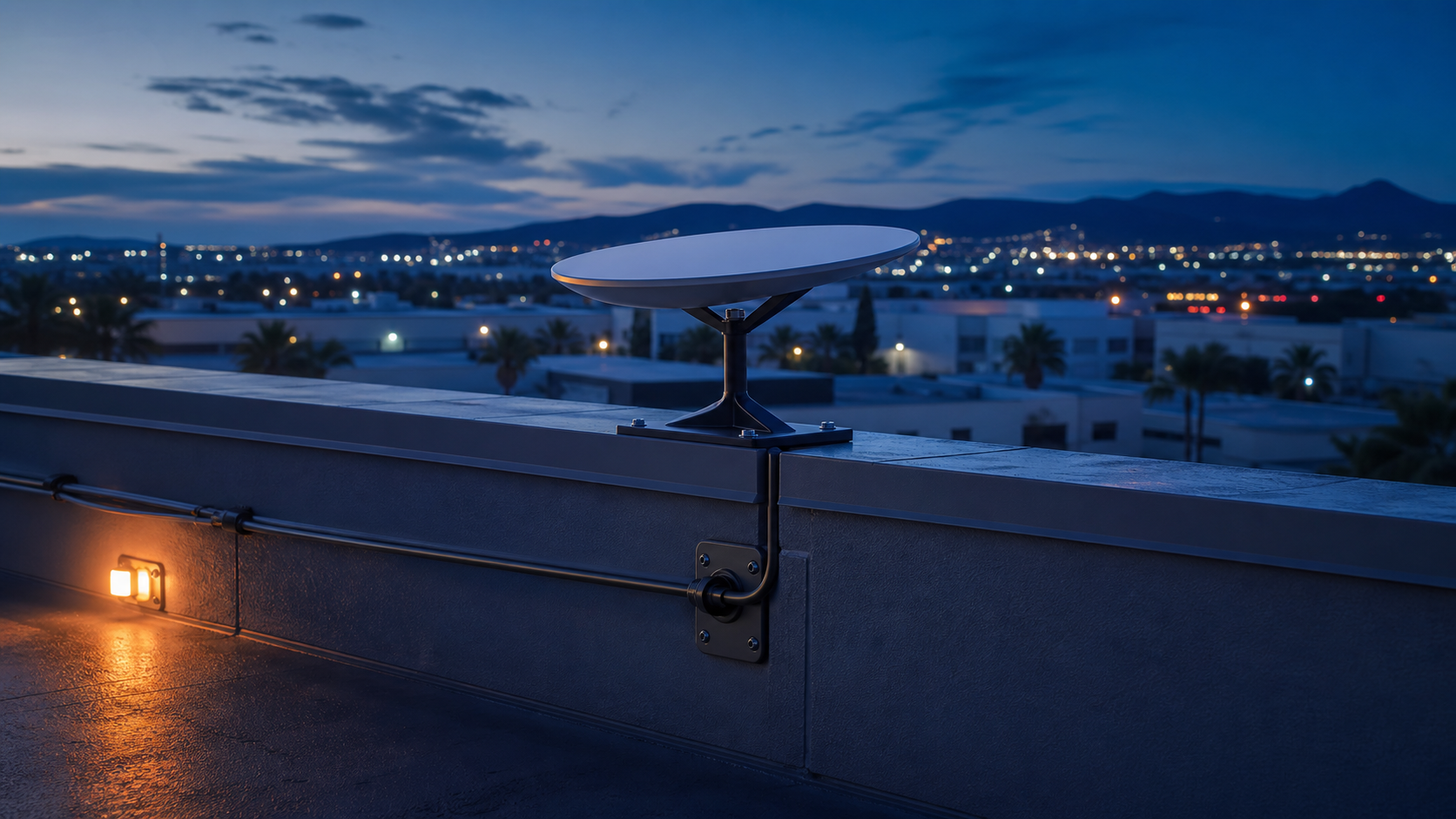
A clean installation is more than mounting the dish. The cable path, weather sealing, penetration details, grounding requirements, and interior handoff all need to be coordinated with the building.
A coordinated commercial installation
The work is organized around the way commercial projects are actually bid, installed, and closed out.
Mount Planning
Review roof conditions, setbacks, access, and the appropriate mounting approach .
Weatherproof Routing
Plan an exterior cable path and building entry that protects the envelope.
Network Handoff
Route service to the agreed interior equipment location .
Trade Coordination
Coordinate with property management, roofing, and site requirements before installation.
Commercial Starlink scope
Roof or exterior-mount planning
Weatherproof cable routing and building entry
Interior cable pathway to the network location
Equipment placement and network handoff
Coordination with property management, roofing, and other trades
Where it can fit
Hospitality properties, commercial facilities, remote sites, temporary project locations, and businesses that need an additional internet path may be candidates. AMR will confirm fit after reviewing the property, hardware, and requested scope.
What to send
Share the property address, roof type, equipment generation, preferred mounting location, interior network location, and any landlord or roof-warranty requirements.